Installation
DEWETRON Explorer is installed automatically when installing TRION hardware drivers by running the installation program DEWETRON-TRION-Applications-xxx.exe. The installation process differs depending on the operating system.
Windows Installation
The Windows installation file can be found in the directory files \drivers\01_TRION\DEWETRON\TRION X.x of the delivered Install Media USB stick or downloaded from https://ccc.dewetron.com/. The installation process is straight forward: Run the installation file, click on install and wait until the process is finished.
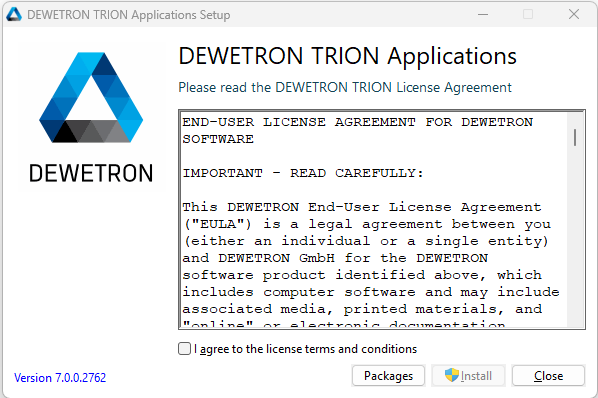
Fig. 1 Windows installation process (1)
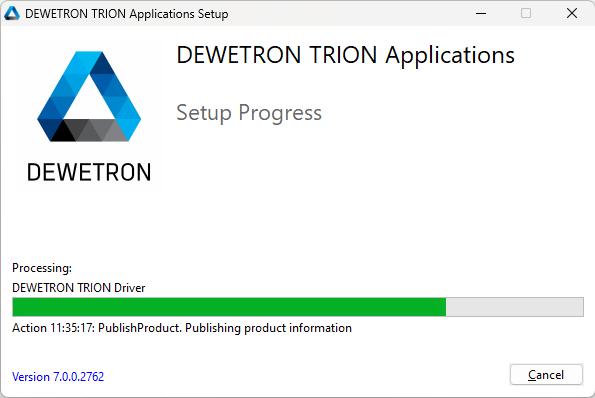
Fig. 2 Windows installation process (2)
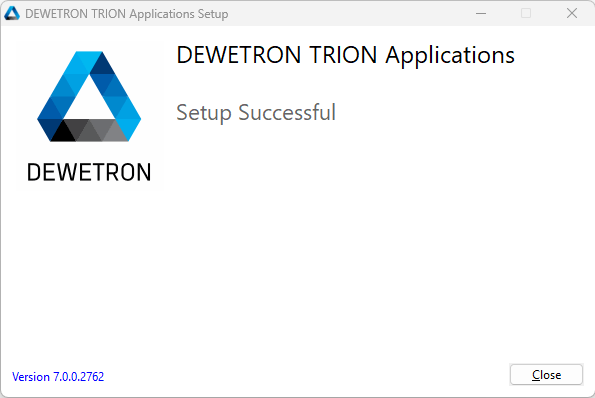
Fig. 3 Windows installation process (3)
Attention
If another version of DEWETRON Explorer is already installed, the existing version must first be uninstalled.
Linux Installation To efficiently install DEWETRON software on Linux, ensure compatibility with either RHEL orUbuntu as your operating system. Depending on your DEWETRON software version, verify theappropriate OS version. Follow these streamlined steps for installing DEWETRON Explorer:
Download the correct OS-specific installer from https://ccc.dewetron.com/pl/oxygen.
Open your terminal and navigate to the installer directory
Unpack the installer with:
gzip -d dewetron-apps-*.install.gzRun the installer:
sudo chmod +x dewetron-apps-*.installandsudo ./dewetron-apps-*.install
The process should somplete shortly. Note that on LInux, there’s no need to uninstall previous DEWETRON software versions before installing new ones.